Never type your menu twice
Boards come straight from your Clover items and prices. Change a price in Clover and the board shows the new one.
Counterslate for Clover
Turn the TVs in your restaurant into menu boards that run on your Clover menu. Same names, same prices, same sold-outs as the register. Nothing to type twice.
$10 per screen, per month · 30-day free trial · No contract. Cancel any time.
The problem
Most restaurants keep the register, the online menu and the board on the wall in sync by hand. Prices go up, a special runs out, and the board drifts. Counterslate makes the board a live view of your POS, so there's one menu to keep up, not three.
A board you keep by hand
A board that runs on Clover
Try it Demo
Tap an item in the pretend Clover panel to mark it sold out. Watch the TV. Tap it again to bring it back.
Clover itemsDemo
Today's Specials
Sample Pizza Co.
All four specials are on the board.
This is a demo with sample items. On a real board you use the availability switch you already use in Clover.
Set up in a few minutes
Nothing to download. It all happens in your phone's web browser.
Add Counterslate to your Clover account. It asks to read your inventory, nothing else.
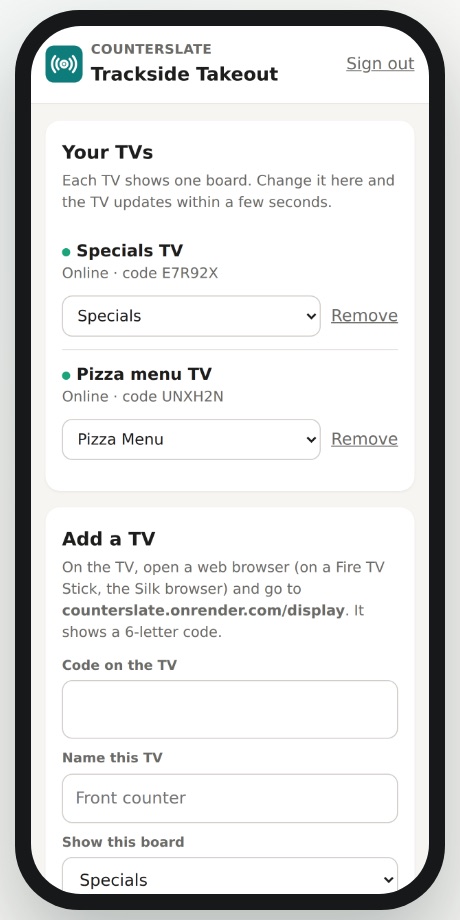
On a Fire TV Stick or anything with a web browser, go to counterslate.onrender.com/display. The TV shows a 6-letter code.
On the setup page, enter the code and choose a Clover category, like Specials. That's it. The board is live.
Boards come straight from your Clover items and prices. Change a price in Clover and the board shows the new one.
Mark an item unavailable in Clover and it drops off the board within seconds. When it's back, so is the item.
Use a Fire TV Stick or any device with a web browser. No special hardware, no contract.
Pair a TV and build a board from your phone's browser in a few minutes. Nothing to download.
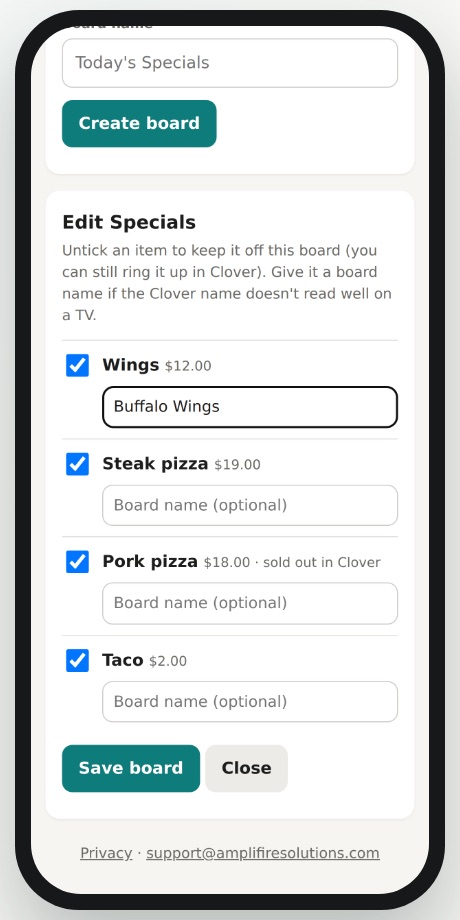
Give any item a board-friendly name without renaming it in Clover. Leave off items you ring up but don't advertise.
Counterslate reads your items, prices, categories and availability. It never changes anything in Clover.
In a real kitchen, every day
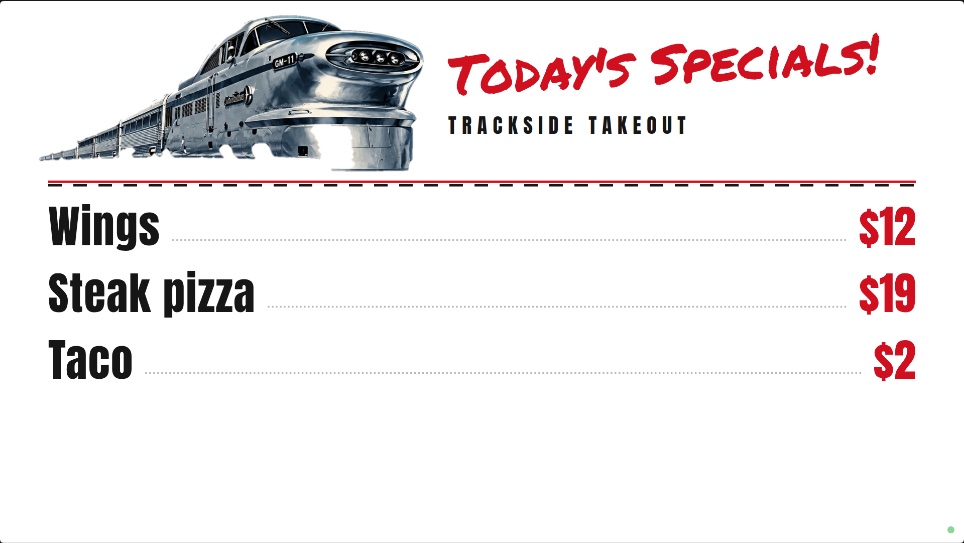
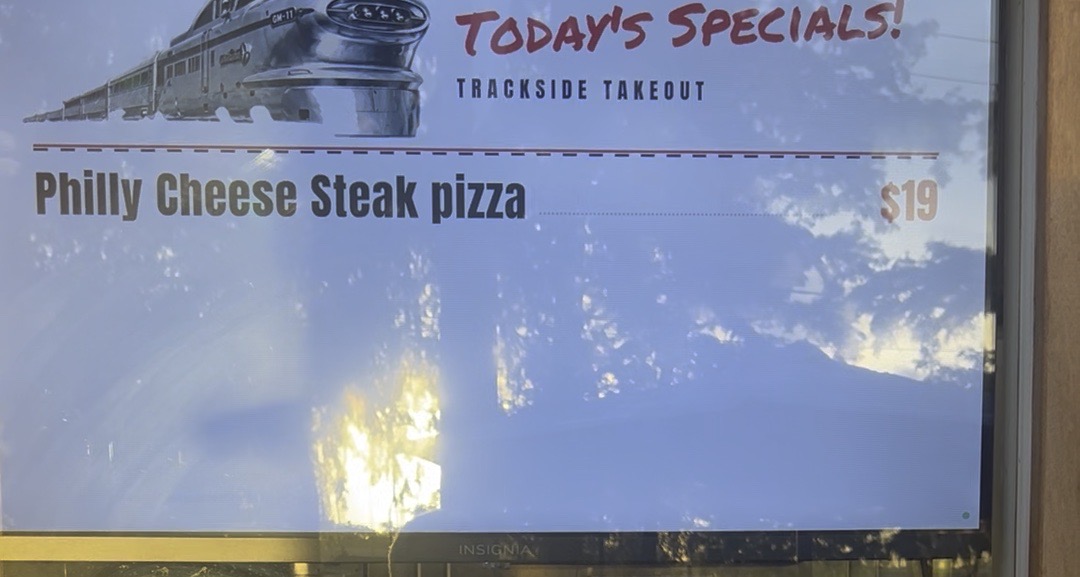
Trackside is a working pizza and quick-bites shop on Clover. Their specials TV shows what's in their Clover specials, at Clover's prices, every day.
12 edits a week with a separate board: each change once in Clover, then again on the board.
6 edits a week with Counterslate: just the change in Clover. The board follows.
Pricing
$10 per screen, per month
30-day free trial
Your first screen is free for the first 30 days. After that, every screen is $10 a month.
Counterslate only reads inventory: items, prices, categories and availability.
It never changes your Clover data and never sees payments or customer info.
We don't sell or share merchant data. Read the privacy policy.
A TV with an HDMI port and a device with a web browser. A Fire TV Stick (about $30) with its Silk browser works well. A smart TV's own browser, a small computer or a laptop work too. No special hardware.
Clover today. More POS integrations are coming. If you use Toast, Square or something else, join the list and we'll let you know.
No. It only reads your items, prices, categories and availability. It never changes Clover data and never sees payments or customer information.
Yes. Leave any item off a board, like something you ring up but don't advertise, and give items a board-friendly name. Clover stays exactly as it is.
The TV remembers its pairing. When it's back on, open the browser to the display page again (bookmark it) and your board comes back. No new code needed.
No. $10 per screen, per month. Your first screen is free for the first 30 days. After that, every screen is $10 a month. No contract. Cancel any time.
Counterslate is on its way to the Clover App Market. Leave your details and we'll get in touch to set up your first board.
Prefer to talk it through?
Book a 10-minute demo